Import from YouTube
Turn a YouTube recipe video into a real recipe.
Rasora reads the video's actual transcript and description — not just the title — to find ingredients and steps.
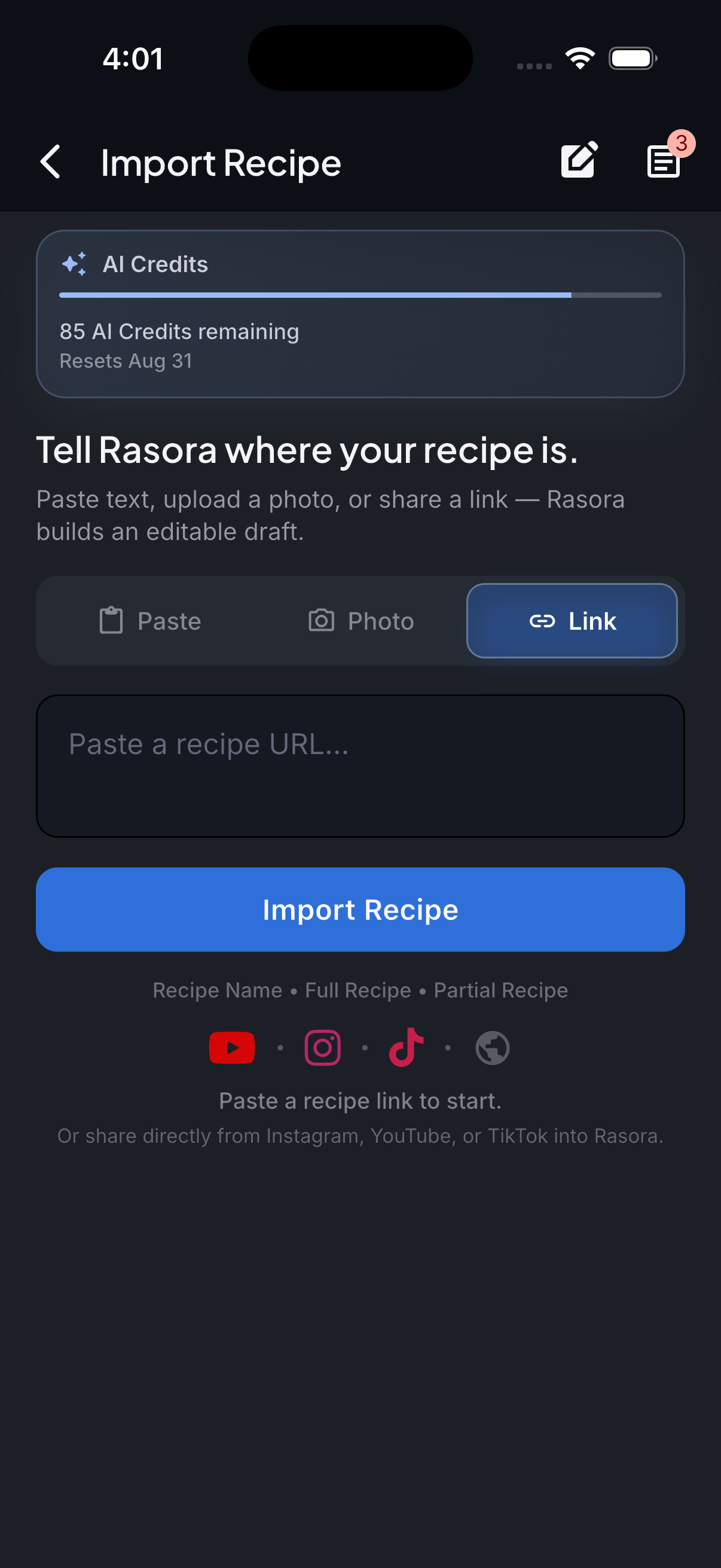
AI Import
Import with AI
Turn links, photos, and notes into structured recipes in seconds.
How it works
Rasora reads the video's transcript (the spoken words, timestamped) and its full description, since a recipe is often narrated rather than fully written out in the description alone.
Copy the video link
From YouTube, copy the link to the video (a full video or a Short both work).
Paste it into Rasora's AI Import
Open Rasora, go to AI Import, and paste the link.
Rasora reads the transcript and description
If ingredients or steps are only spoken, not written in the description, Rasora reads the video's actual transcript to recover them.
Review and save
Check the extracted recipe, fix anything that looks off, and save it to your cookbook.
Try it yourself
Get Rasora and import your first YouTube recipe.
Free to start — AI import, a real cookbook, and nutrition you can trust.
Common questions
What if the recipe is only spoken, not written in the description?
Rasora reads the video's timestamped transcript, not just the description, specifically to catch recipes that are only narrated.
Does this work for YouTube Shorts?
Yes — Shorts and full-length videos are handled the same way.
What if the video has no captions or transcript available?
Rasora falls back to the video's title and description. If neither has enough real detail, it will say so rather than guessing at ingredients or steps.


