
Import from TikTok
Import any TikTok recipe straight into your cookbook.
Share a TikTok video to Rasora, or paste the link — Rasora reads the caption and turns it into a real, structured recipe.
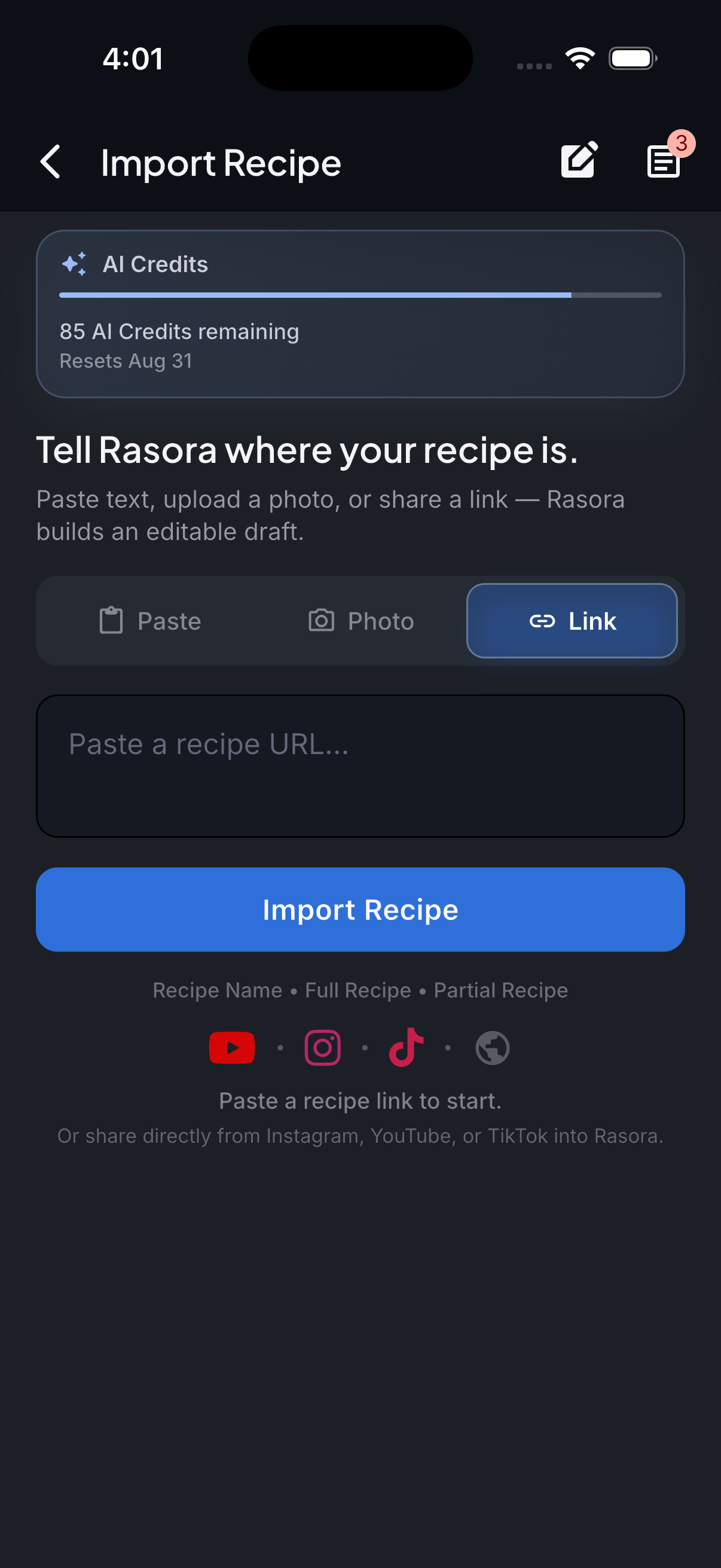
AI Import
Import with AI
Turn links, photos, and notes into structured recipes in seconds.
How it works
Rasora reads the video's full caption text (not just the short preview TikTok shows) to find ingredients and steps. If the caption is too short to contain a real recipe, Rasora can fall back to reading the video itself.
Share the video to Rasora
From TikTok's share sheet, choose Rasora directly, or copy the video link.
Open AI Import in Rasora
If you copied the link instead of sharing directly, paste it into Rasora's AI Import screen.
Rasora reads the recipe
The caption is scanned for ingredients and steps. If it's too short to contain a real recipe, Rasora will ask to look at the video itself instead of guessing.
Review and save
Check the extracted ingredients and steps, fix anything that looks off, and save it to your cookbook.
Try it yourself
Get Rasora and import your first TikTok recipe.
Free to start — AI import, a real cookbook, and nutrition you can trust.
Common questions
Does this work if the TikTok caption is short?
If the caption is too short to contain a real recipe, Rasora can fall back to analyzing the video itself rather than guessing at ingredients that aren't there.
Do I need the TikTok app installed?
No — pasting the video link into Rasora's AI Import works the same way as sharing directly from the TikTok app.
What if the recipe is in a language other than English?
Rasora can read recipe text in other languages and outputs the recipe in English.
Does Rasora invent steps if information is missing?
No. If a quantity or step genuinely isn't in the source, Rasora leaves it out rather than guessing — the same policy applied to nutrition numbers.

