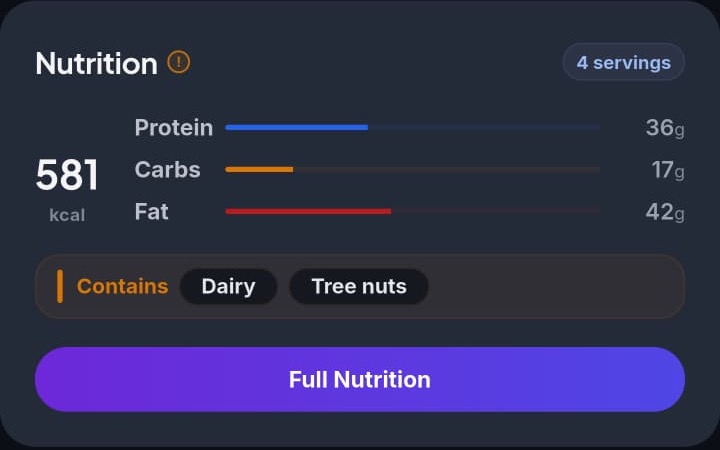
Most recipe apps show a calorie count on every recipe, no matter what. It feels reassuring, but a lot of the time that number is filled in with an average or a rough guess for ingredients the app doesn't actually have data for. Rasora does it differently.
Nutrition is calculated, not guessed
When you save or import a recipe, Rasora looks at each ingredient's actual quantity and unit — "2 cups flour," "1 lb chicken breast" — and calculates nutrition from real per-ingredient data. If an ingredient doesn't have a clear quantity ("a pinch of salt," "chicken breast" with no amount), Rasora doesn't invent a number for it. Instead, it either leaves that ingredient out of the total or flags the recipe as needing review, so you know the number you're looking at is based on what was actually specified.
That's the tradeoff worth knowing about: a recipe that says "needs review" is being honest about a gap, not broken.
What's free and what's Pro
Calories, macros (protein, carbs, fat), and allergen flags are available on every recipe for free. Rasora Pro adds deeper detail — micronutrients, a full nutrition breakdown, and a health score for the recipe — for people who want to track more than the basics.
This isn't medical advice
Nutrition numbers in Rasora are estimates based on the ingredients and quantities in a recipe, not a substitute for medical or dietary guidance. If you're managing a specific health condition or allergy, treat the numbers as a helpful reference and confirm anything critical with a professional or the original ingredient labels.
The goal isn't a calorie count on every recipe no matter what — it's a number you can actually trust when it's there, and an honest "we're not sure" when it's not.